eta
Jobs with a percentage and a finish time above the prompt.
The moment
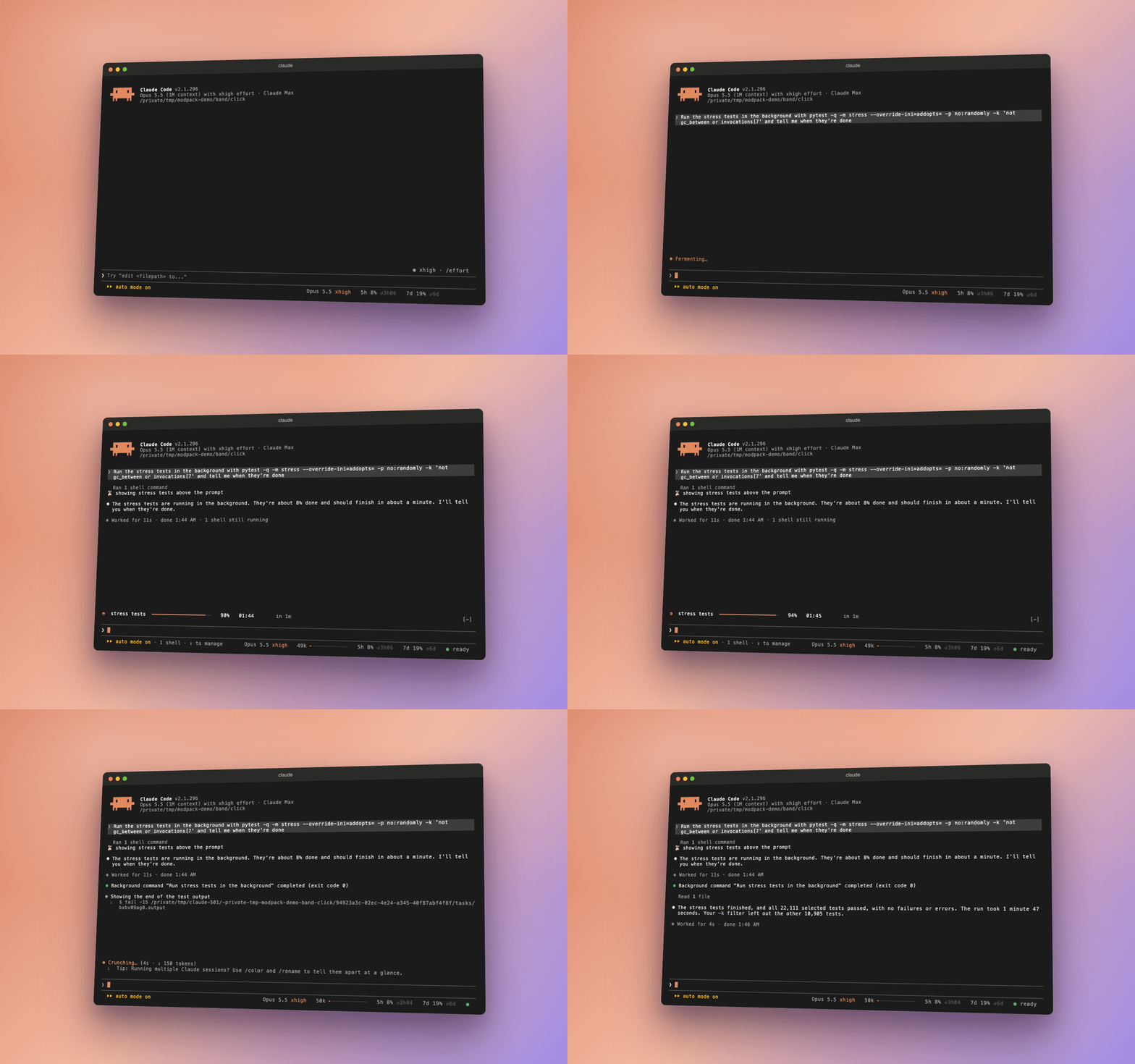
Claude starts the full test suite in the background and carries on with something else.
Without eta
The job is a black box. Is it a tenth done, or nearly finished? Will it be done before your coffee?
With eta
Background jobs show above the prompt as soon as Claude starts one. When Claude asks eta to track a job, eta reads its output live and adds a bar, a percentage and an estimated finish time. Until the progress can be read, Claude’s own guess stands in, marked as a guess. A finished job leaves; a failure stays until you write again.
Press play to run a job, sped up.
❯ Try “edit <filepath> to…”
Press Run the job: a background job appears above the prompt.
What we measured
Nothing to measure: it only adds a view.
Where it doesn’t help
It can only show progress that the job prints: a count it can match, a progress line, or one of the common progress bars.
Turn it on or off
/mods eta off turns it off. Every option is in the README; the code is in eta/.
In a real session
 Play the recording